7 Genius Places to Put Your Event QR Code for Maximum Photo Uploads
You’ve created the perfect Kuha album for your event. The slideshow is ready, the guests are invited... but the most critical step is yet to come: getting your guests to actually scan the QR code and upload their photos.
Placement is everything. A well-placed QR code is the difference between an empty album and a vibrant collection of hundreds of cherished memories. To help you succeed, we’ve compiled the 7 most effective places to display your Kuha QR code, blending high-visibility spots with creative, interactive ideas.
1. At Every Table
This is the most essential placement and your foundation for success. Guests will spend a significant amount of time at their tables. Placing a beautifully designed card with the QR code in a simple frame or on a small stand makes it impossible to miss. It gives them something to do during lulls and ensures they always have the code within arm's reach.
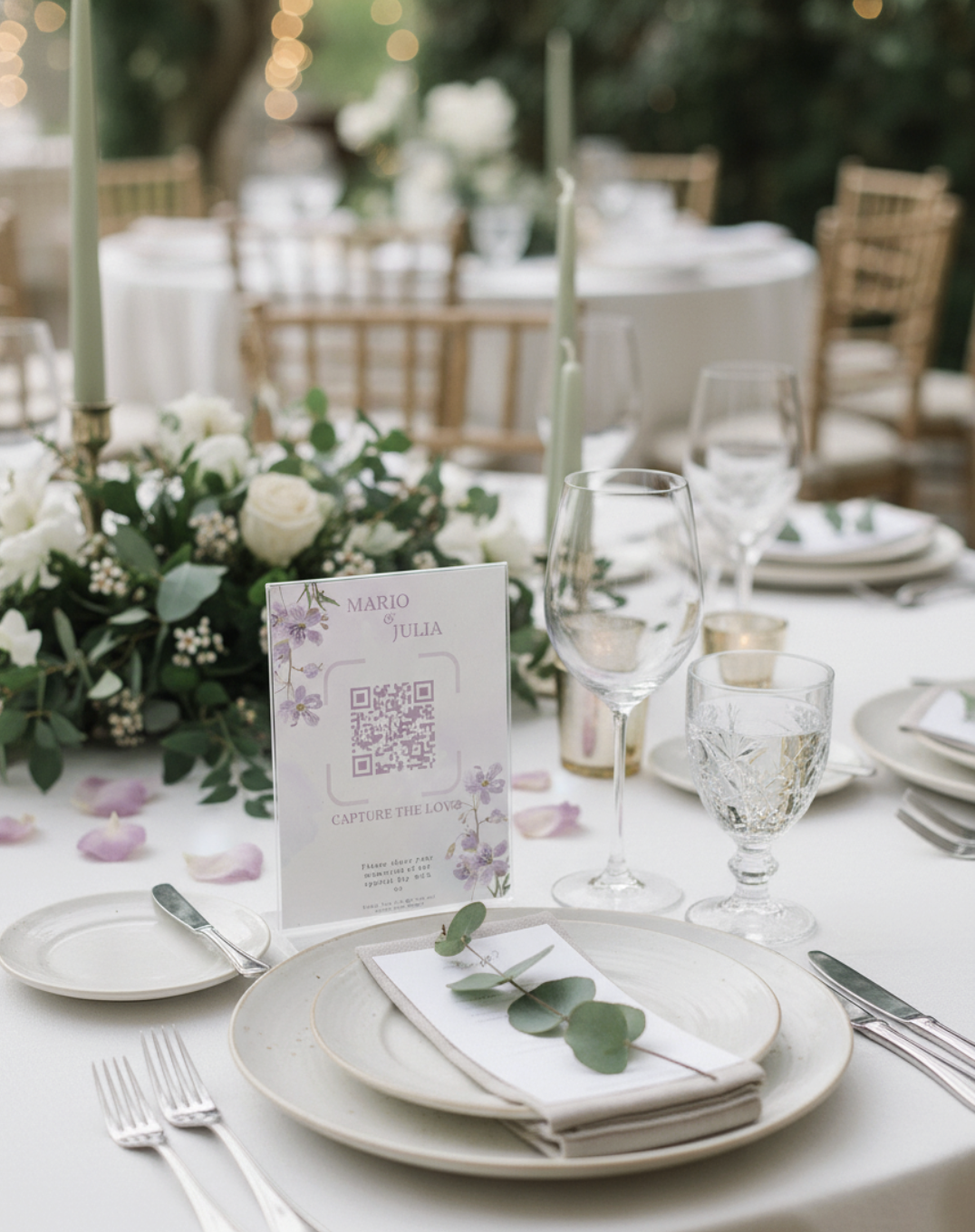
- Pro-Tip: Keep the instructions simple: "Scan, Upload, See it Live! Your Photos on the Big Screen." The promise of seeing their photo appear on the slideshow is a powerful motivator.
2. In High-Traffic "Hotspots"
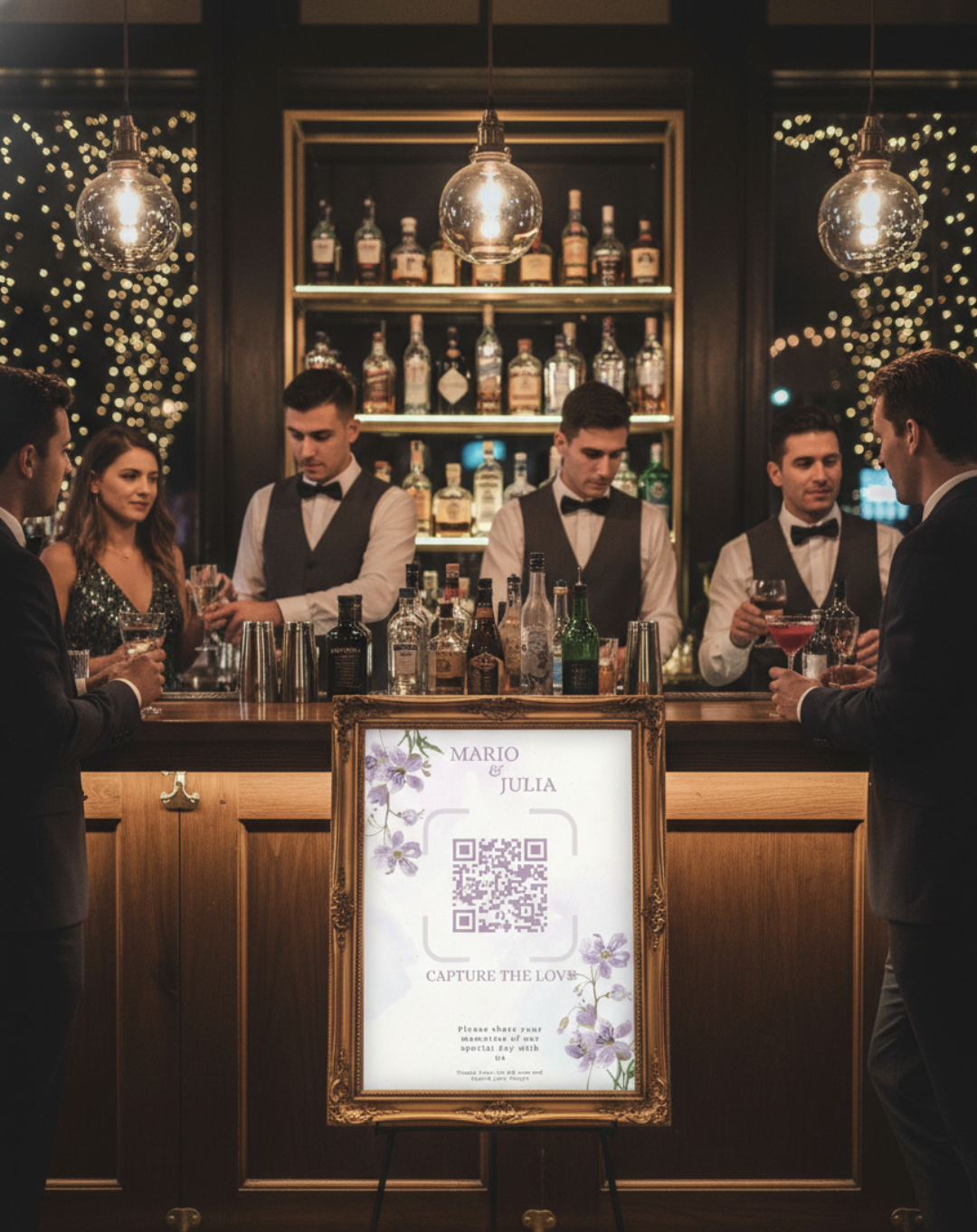
Think about where your guests will naturally congregate. The bar is a guaranteed hotspot. The welcome/reception table is another. Placing a larger, framed sign with the QR code in these areas ensures that guests waiting for a drink or signing the guestbook will see it and have a moment to scan.
3. The Selfie Station or Photo Booth
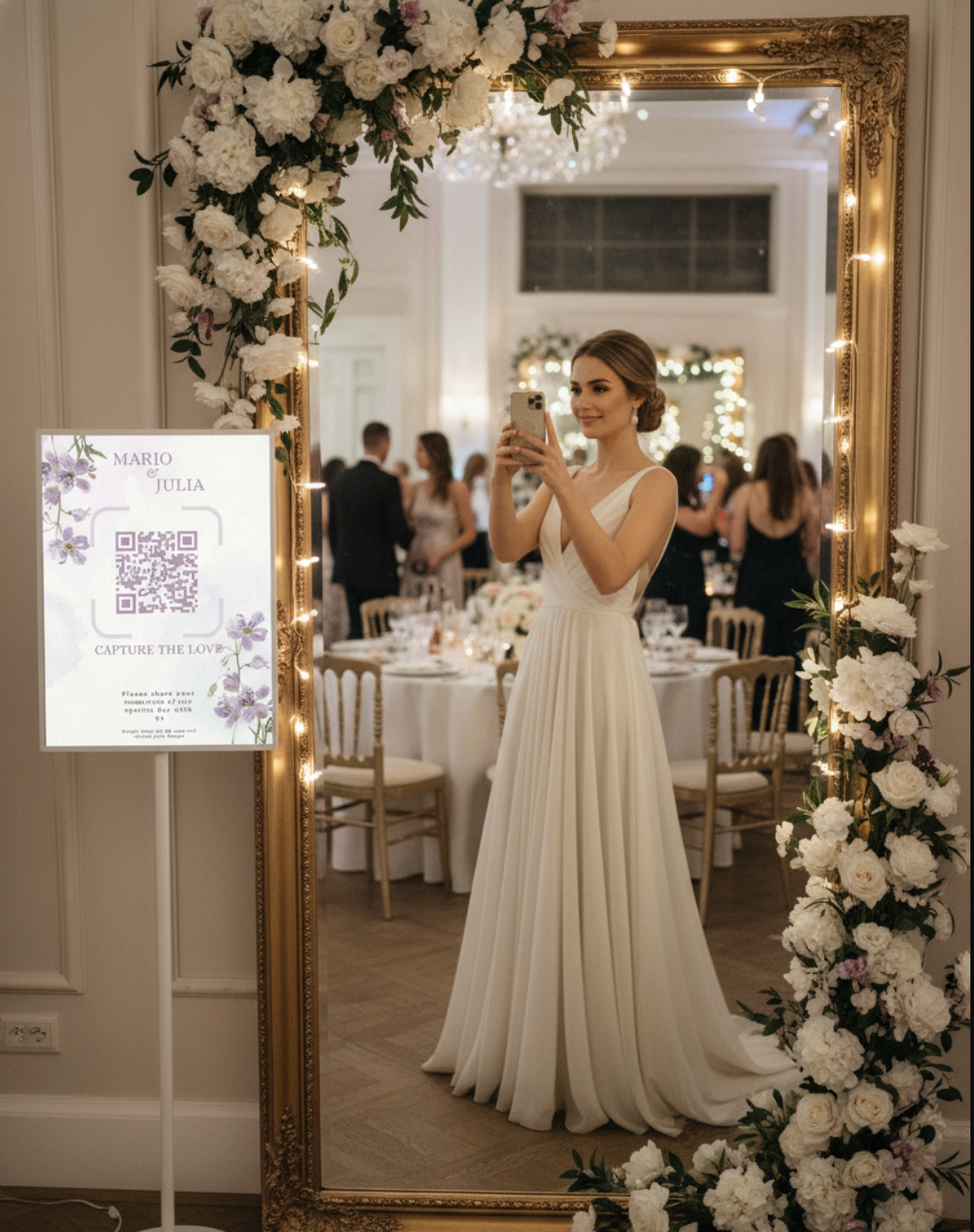
This is a masterstroke. Place your QR code directly at the location where guests are already in "photo mode." Whether you have a dedicated photo booth, a trendy selfie mirror, or just a beautiful backdrop, a sign that says "Just took a great photo? Share it to the live slideshow!" is incredibly effective. It captures their best shots instantly.
4. On the Big Screen Itself
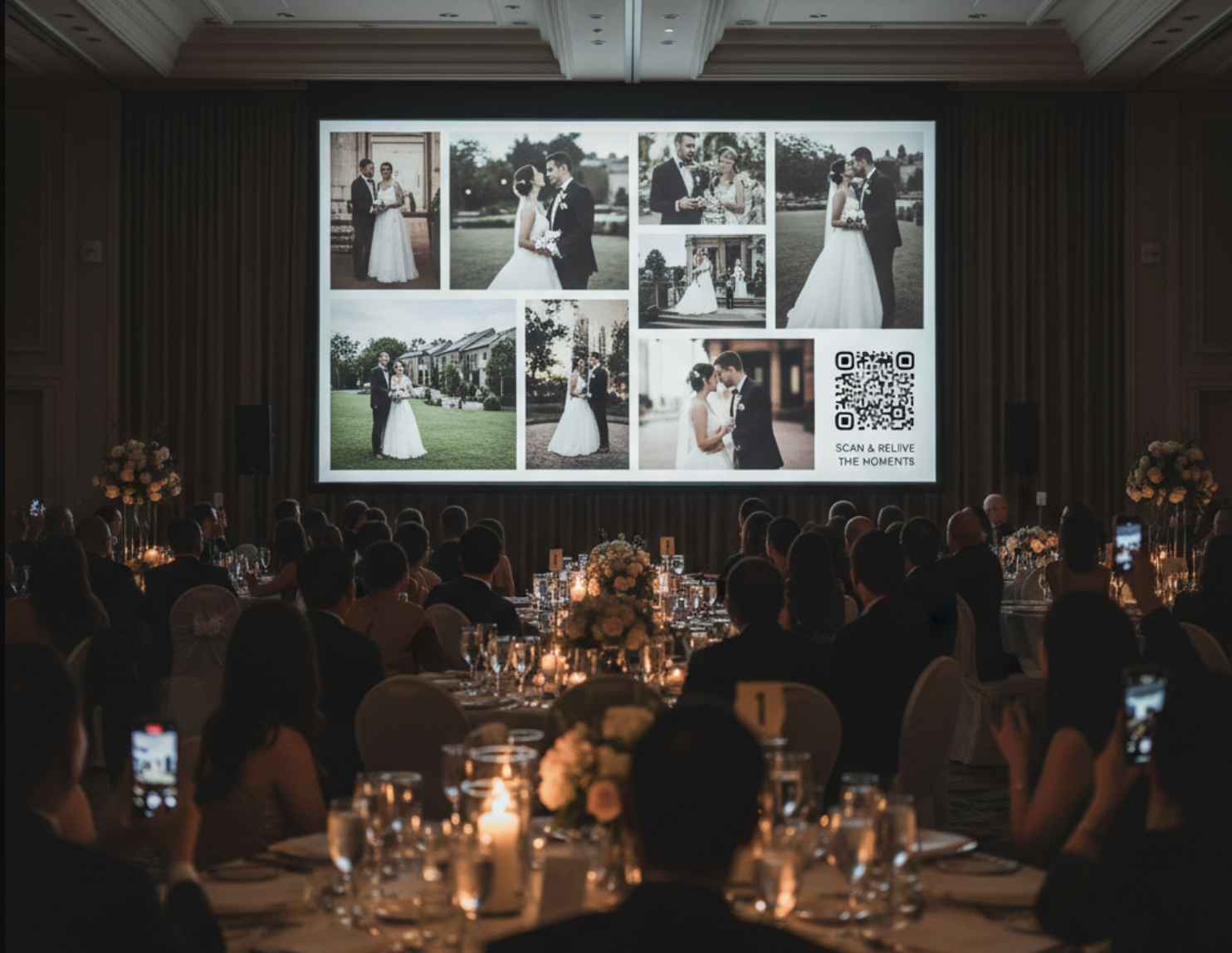
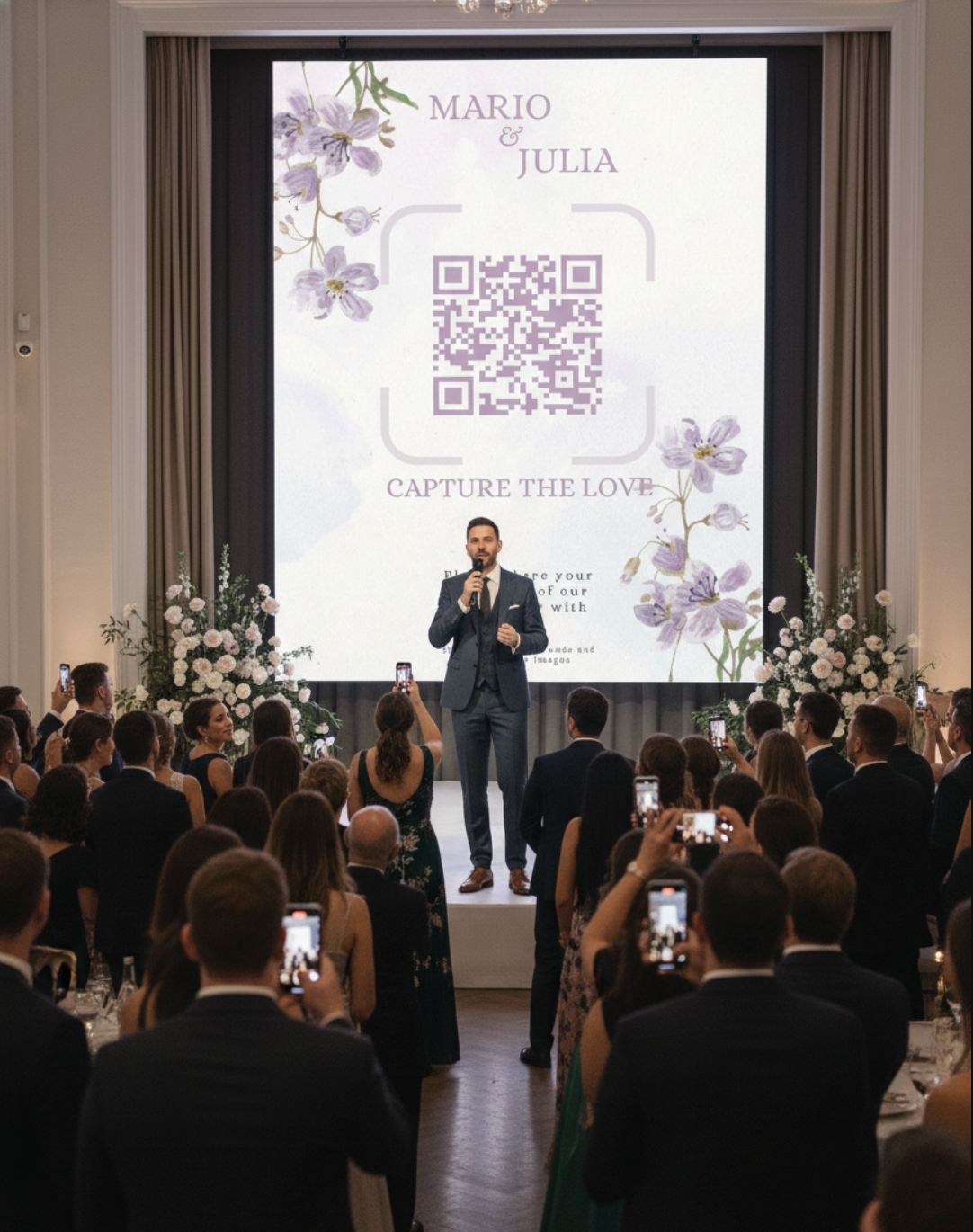
Nothing creates "FOMO" (Fear Of Missing Out) like seeing other guests' amazing photos appearing on the live slideshow. The slideshow itself is your best advertisement! Kuha has a built-in feature to periodically display the QR code as an overlay on the slideshow. This reminds new arrivals and forgetful guests to join in on the fun as they see the live gallery growing.
5. The Official Kick-Off Announcement
Don't underestimate the power of a direct announcement. Ask your DJ, host, or MC to make a fun announcement near the beginning of the reception. Something like, "The happy couple wants to see the party from your eyes! Find a QR code on your table, scan it with your phone, and your photos will appear on the big screen throughout the night!" A clear, enthusiastic instruction gets everyone on the same page from the start.
6. Gamify the Experience!
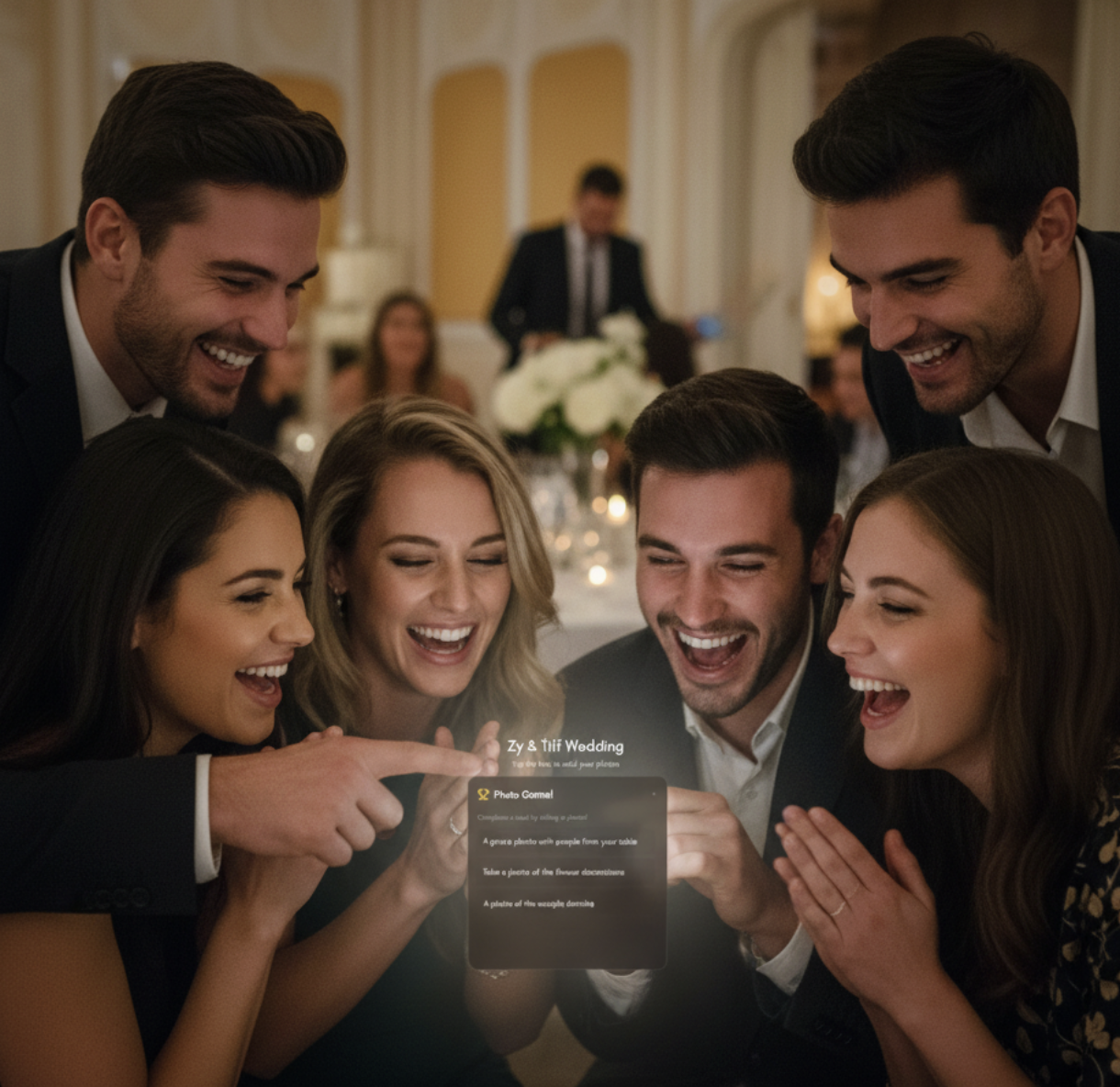
Turn photo-taking into an exciting activity by using Kuha's "Photo Game" feature. When the game is live, the task list is the first thing guests see when they scan the QR code. Announcing that you're running a photo scavenger hunt with a prize for the first person to complete all tasks is the single best way to supercharge your photo collection. It makes uploading fun, competitive, and interactive.
7. The Parting Gift
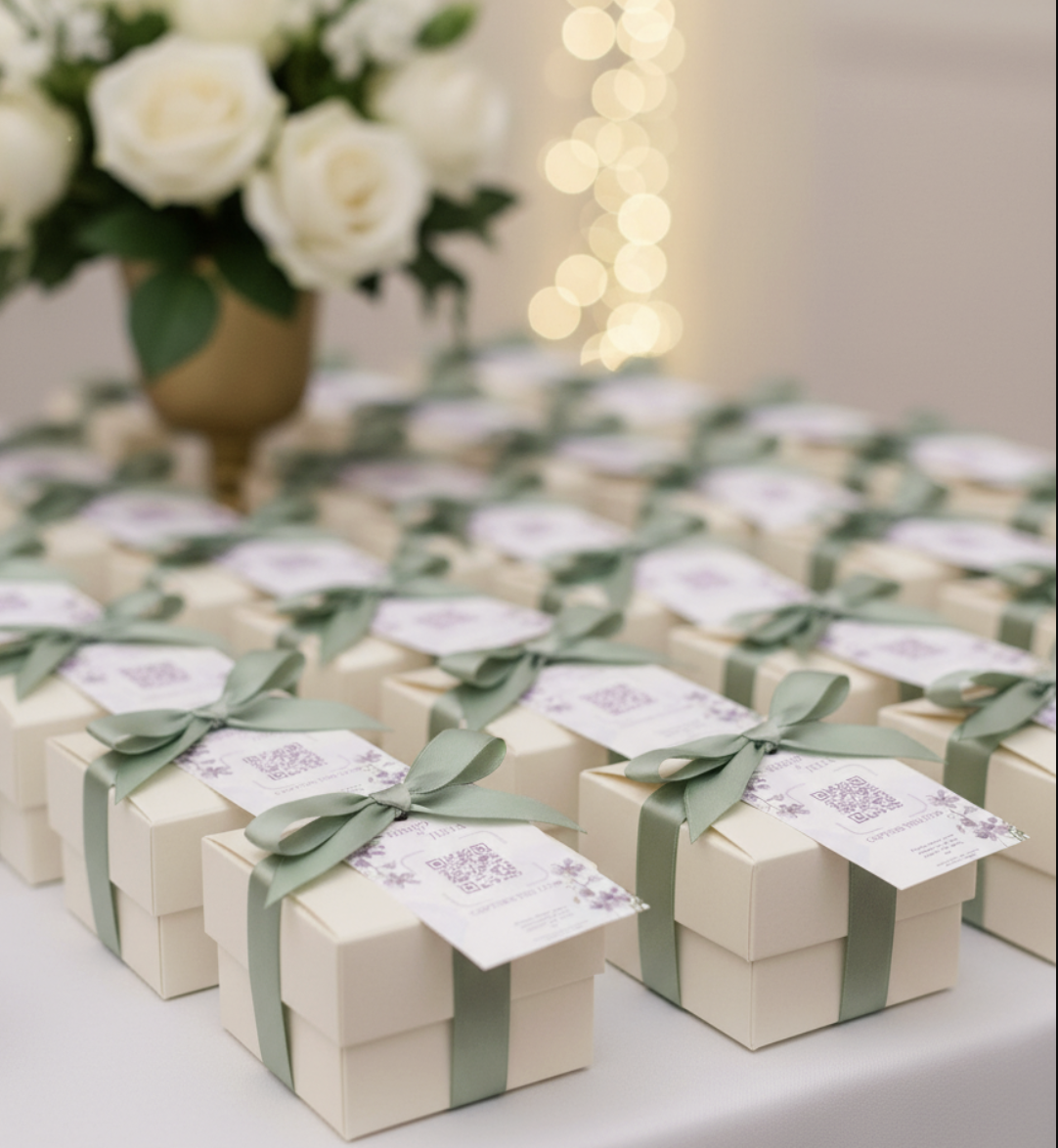
Your guests will continue taking photos until the very end of the event. To capture those final dance-floor selfies and farewell shots, include the QR code on your party favors or giveaways. A small tag on a gift bag with "Forgot to upload? Scan here!" ensures you can collect memories even after guests have gone home. It's a brilliant way to get every last photo.
Conclusion
By using a mix of these strategic placements, you're not just hoping guests will participate—you're making it an easy, fun, and integral part of the event experience. Now go and collect every amazing memory!